
If you have worked with web APIs, authentication headers, or embedded images in HTML, you have almost certainly needed to work with Base64 encoding at some point. JavaScript makes this straightforward with two built-in browser functions: btoa() for encoding and atob() for decoding. But there are a few important things to understand before you use them — particularly around Unicode support and the differences between browser JavaScript and Node.js. This guide covers everything you need to know.
A Quick Refresher: What is Base64?
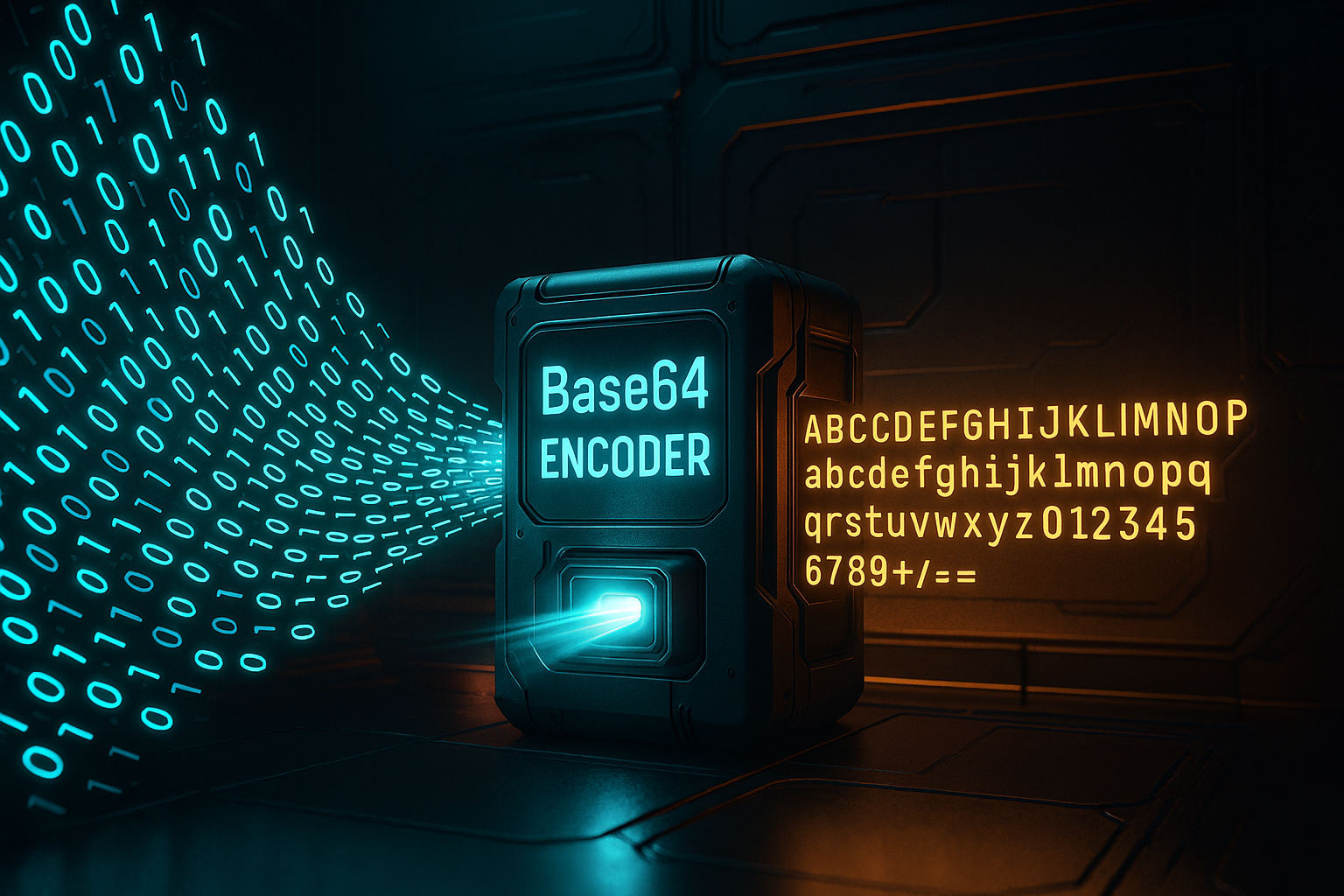
Base64 is an encoding scheme that converts binary data into a text string using 64 printable ASCII characters — the letters A–Z and a–z, the digits 0–9, and the symbols + and /. It was designed to allow binary content to travel safely through systems that only handle text, such as email servers and HTTP headers. The encoded output is always plain text, but it is approximately 33% larger than the original data because every three bytes of input become four Base64 characters.
In modern web development, Base64 appears most often in HTTP Basic Authentication headers, JSON Web Tokens, data URIs for embedding images directly in HTML or CSS, and in API responses that carry binary payloads as text.
Encoding with btoa()
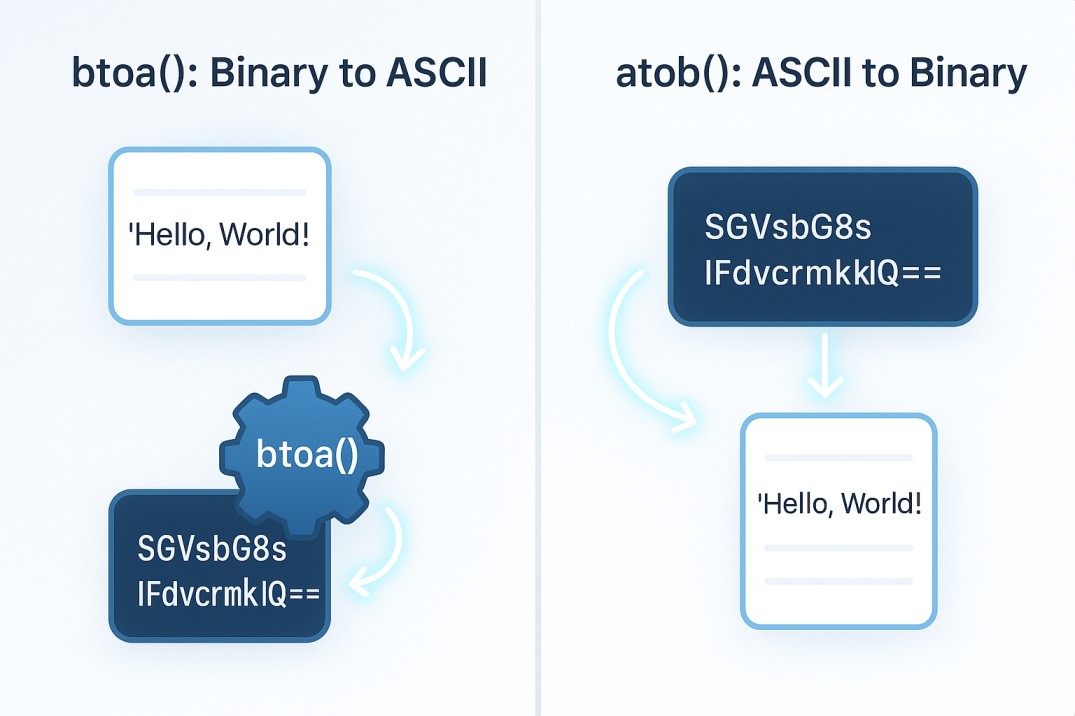
The btoa() function (the name stands for “binary to ASCII”) is built into every modern browser. It takes a string as input and returns its Base64-encoded equivalent. Here is the simplest possible example:
const encoded = btoa(‘Hello, FreeToolBox!’);
console.log(encoded); // SGVsbG8sIEZyZWVUb29sQm94IQ==
The function is synchronous, runs instantly, and requires no imports or dependencies. For straightforward ASCII strings — the kind you would use in an API header or a configuration value — btoa() works perfectly out of the box.
Decoding with atob()
The atob() function (ASCII to binary) reverses the operation. Pass it a valid Base64 string and it returns the decoded plain text:
const decoded = atob(‘SGVsbG8sIEZyZWVUb29sQm94IQ==’);
console.log(decoded); // Hello, FreeToolBox!
If you pass an invalid Base64 string to atob() — one that contains characters outside the Base64 alphabet or has incorrect padding — it throws a DOMException. Always wrap atob() calls in a try/catch block when handling user input or API data you do not fully control.
The Unicode Problem — and How to Fix It
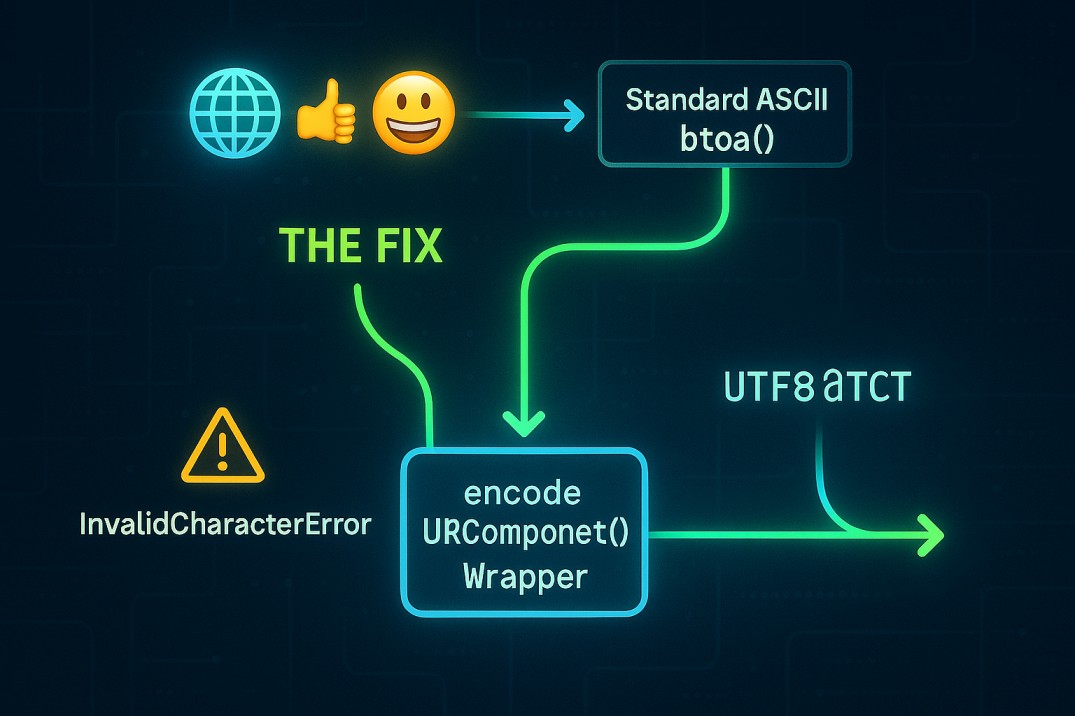
Here is the most common gotcha with btoa(): it only handles ASCII characters (code points 0–255). If you try to encode a string that contains characters outside that range — emoji, Arabic text, Chinese characters, or any accented European characters like ü or ñ — you will get an InvalidCharacterError.
The standard fix is to encode the string using encodeURIComponent() first, then convert the resulting percent-encoded string to binary before passing it to btoa(). The pattern looks like this:
// Encode Unicode string to Base64
function encodeToBase64(str) {
return btoa(unescape(encodeURIComponent(str)));
}// Decode Base64 back to Unicode string
function decodeFromBase64(str) {
return decodeURIComponent(escape(atob(str)));
}// Example with emoji
console.log(encodeToBase64(‘Hello 👋’)); // SGVsbG8g8J+Riwow==
console.log(decodeFromBase64(‘SGVsbG8g8J+Riwow==’)); // Hello 👋
This pattern works reliably across all modern browsers. Note that unescape() and escape() are deprecated functions, but they remain the most concise way to handle this particular conversion. In newer codebases targeting modern environments you can replace this pattern with a TextEncoder/TextDecoder approach instead.
Real-World Example: HTTP Basic Authentication
One of the most common uses of Base64 in JavaScript is constructing HTTP Basic Authentication headers. The Basic Auth standard requires the username and password to be joined with a colon and then Base64-encoded before being included in the Authorization header:
const username = ‘admin’;
const password = ‘mySecurePassword123’;
const credentials = btoa(username + ‘:’ + password);fetch(‘https://api.example.com/data’, {
headers: {
‘Authorization’: ‘Basic ‘ + credentials
}
});
This is standard practice for authenticating against APIs that use HTTP Basic Auth. Keep in mind that Base64 is not encryption — anyone who intercepts the header can decode it. Always use HTTPS when sending credentials in headers.
Real-World Example: Embedding Images as Data URIs
Data URIs allow you to embed file content directly into HTML or CSS instead of linking to an external file. This can improve performance for small images by eliminating an HTTP request. Here is how you would convert an image to a Base64 data URI in JavaScript:
function imageToBase64(imageFile) {
return new Promise((resolve) => {
const reader = new FileReader();
reader.onload = (e) => resolve(e.target.result);
reader.readAsDataURL(imageFile);
});
}// Usage with file input
const input = document.querySelector(‘input[type=”file”]’);
input.addEventListener(‘change’, async (e) => {
const dataUri = await imageToBase64(e.target.files[0]);
document.querySelector(‘img’).src = dataUri;
});
The resulting data URI looks like: data:image/png;base64,iVBORw0KGgo… and can be used directly as the src attribute of an <img> tag or the url() value in CSS.
Base64 in Node.js – Using Buffer
Node.js does not have btoa() and atob() in older versions (they were added in Node 16). In Node.js you use the Buffer class instead, which handles all encodings including Unicode natively:
// Encode to Base64 in Node.js
const encoded = Buffer.from(‘Hello, FreeToolBox!’).toString(‘base64’);
console.log(encoded); // SGVsbG8sIEZyZWVUb29sQm94IQ==// Decode from Base64 in Node.js
const decoded = Buffer.from(‘SGVsbG8sIEZyZWVUb29sQm94IQ==’, ‘base64’).toString(‘utf-8’);
console.log(decoded); // Hello, FreeToolBox!
The Buffer approach is cleaner, handles Unicode correctly without extra steps, and works consistently across all Node.js versions. If you are writing server-side code, always use Buffer rather than btoa()/atob().
Common Mistakes to Avoid
- Treating Base64 as encryption.Base64 is encoding, not encryption. Never use it to secure sensitive data. Anyone can decode a Base64 string in seconds.
- Forgetting Unicode handling. If your string might contain non-ASCII characters, always use the encodeURIComponent wrapper pattern or Buffer in Node.js.
- Not handling atob() errors. Invalid Base64 strings throw an exception. Always use try/catch when decoding untrusted input.
- Encoding large files entirely in memory. Converting very large binary files to Base64 in the browser can freeze the tab. For files over 1MB, use a streaming approach or a Web Worker.
Need to encode or decode a Base64 string right now without writing any code? Use the FreeToolBox Base64 Encoder / Decoder — paste your text, click Run, and copy the result in one click. No login, no setup, completely free.